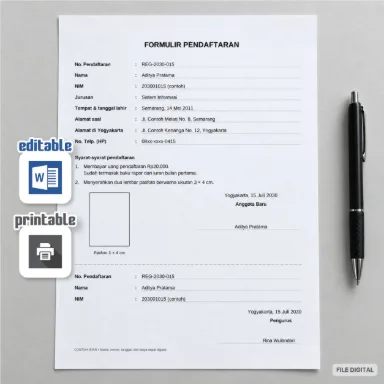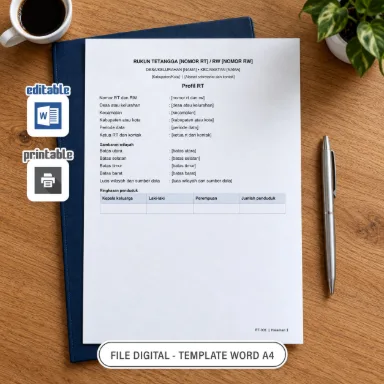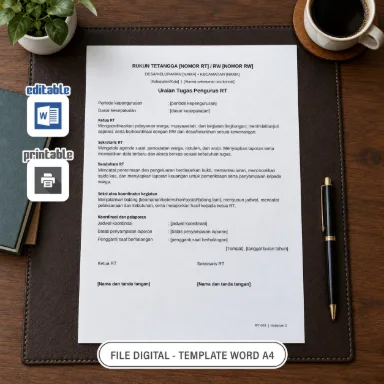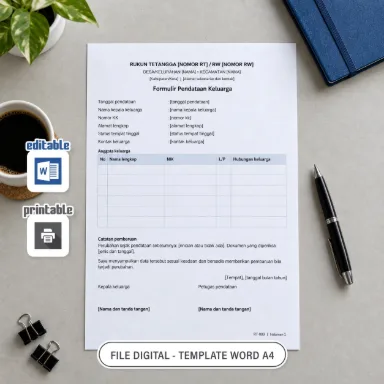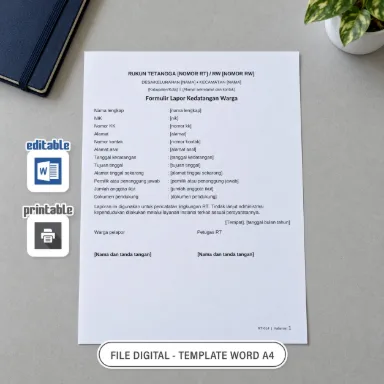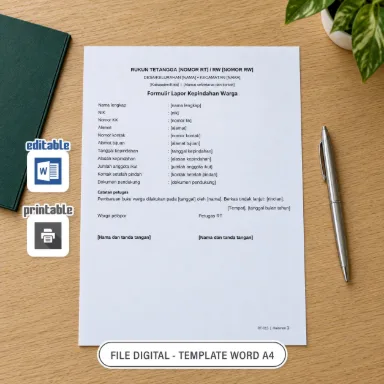

An editable DOCX registration form for primary-school extracurricular activities. Two portrait A4 pages provide matching Indonesian and English layouts.
Purchase Options
Periksa mode pembayaran dan rincian pesanan pada halaman checkout.
Special offer
Special price Rp3.900, previously Rp10.000.
Product Description
The two-column form includes student details, two activity choices (ICT/Computers and Karawitan, a traditional Indonesian musical activity), reasons for joining, a date, and signature spaces for a parent or guardian and the applicant. Indonesian is on the first page and English on the second.
The design uses plum and rose colours with layered corner decorations. Text and tables are editable; the decorative background is an image. School names and personal information in the example are fictional. The example activity selection is ICT/Computers.
Replace the example text with the student's information, school name, and available activities. Checkboxes are text symbols, not interactive controls: replace ☐ with ☒, or print and mark them by hand. Complete each language separately.
Save a copy, check the A4 print preview, and print the pages you need. Signature spaces are left blank for the user; example names can be replaced. Open the DOCX in Microsoft Word. If a font is unavailable, substitution may change the layout; use the PDF preview as a reference.
Product Information
- File language
- Indonesian and English
- File format
- DOCX
- Category
- Work documents
- Contents / design size
- 2 pages · A4 · 210 × 297 mm · Portrait
- Application
- Microsoft Word
- File size
- 66,10 KB
- Collection
- Digital Products
Important details
- This is a digital product. No physical item is shipped.
- Check the page or template count, file format, paper size, and preview before buying.
- For personal use or use within your own class or institution. Editable files may be adapted for those purposes. Do not resell or redistribute files or template links without the rights holder’s permission.
- Fonts in editable files depend on the fonts available on your computer or phone. If the original font is unavailable, your app may replace it and change the text layout. Use the PDF preview as a reference.
Delivery & Access
Direct download
Review the product and total. Order access is saved automatically when browser storage succeeds; otherwise save backup access before paying. Wait for payment verification and file preparation, then download within 24 hours. The DOCX file keeps its original format.
Open the DOCX file using Microsoft Word.
Checkout does not require an email address or phone number. The buyer’s name and transaction details are retained to manage the order.
How to buy and downloadFor paid orders, save files to your device during the 24-hour download period. If access is lost, recover the order without buying again; recovery does not extend that period. Free files can be opened without an order when downloads are available.
Check your selection before paying. If a file is damaged, differs from its description, or payment is duplicated, keep the order number and receipt for review. Open Order help on the order page to report the issue and read the store’s response. The 24-hour download period does not remove your right to report product problems and seek a remedy under applicable terms.
Metode Pembayaran


 Maybank




Bayar melalui Midtrans. Metode yang tersedia ditampilkan pada halaman pembayaran. Periksa label mode pada checkout; Sandbox digunakan untuk uji tanpa uang nyata.